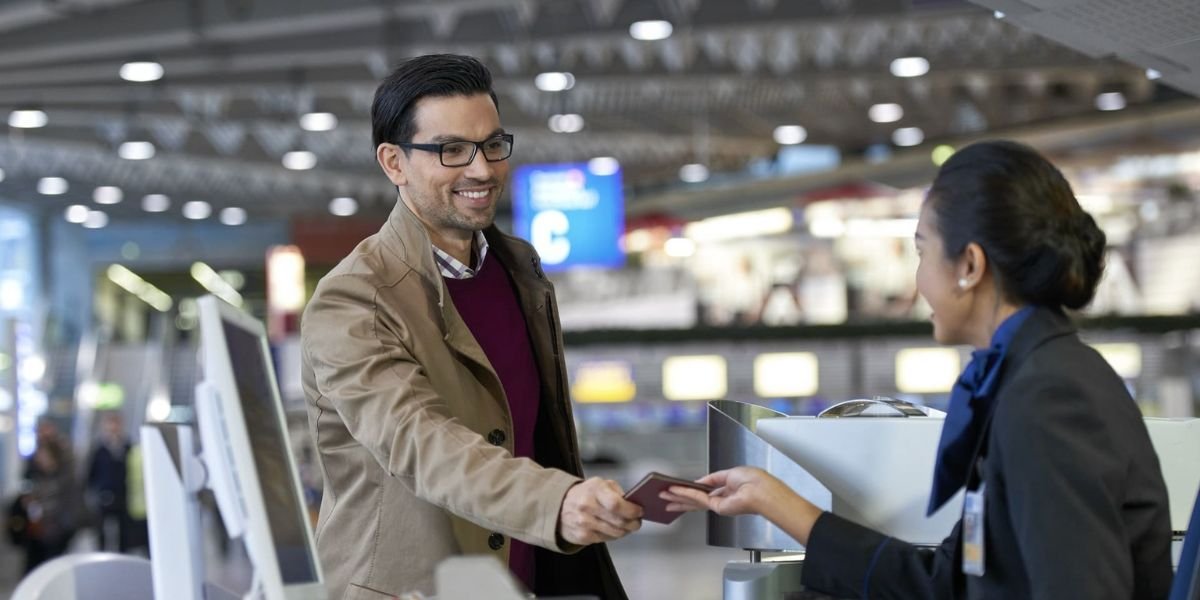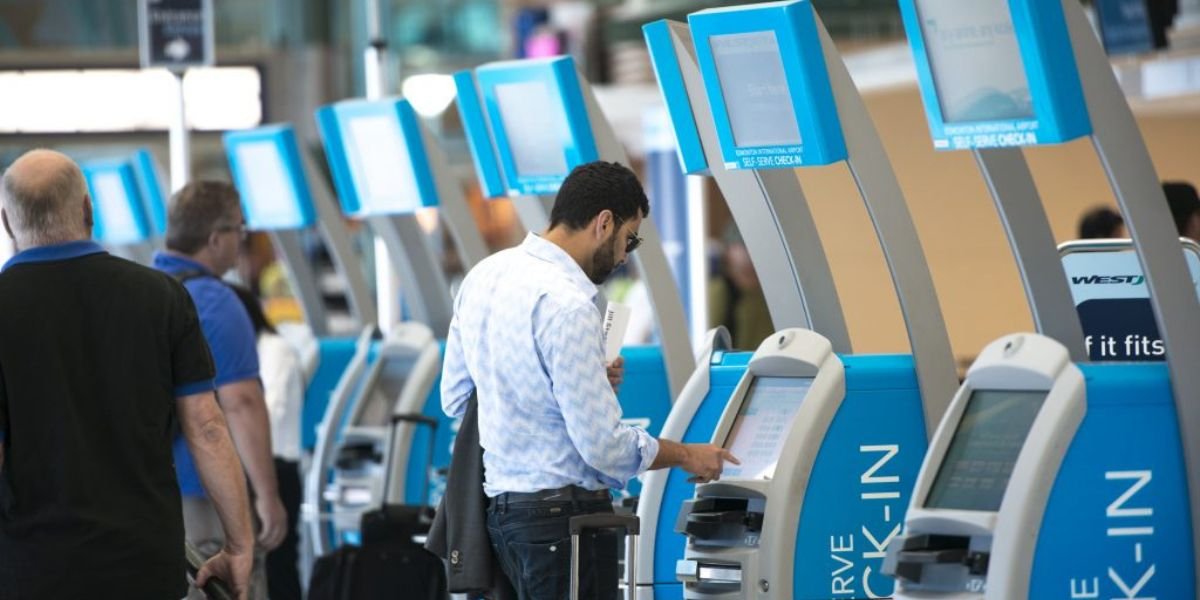








KLM provides several ways of check-in. These include online check-in on the KLM website or app, self-service check-in terminals, and airport check-in counters. Usually, online check-in opens 30 hours before departure, or 24 hours before departure for flights to or from the USA.
Checking in in advance lets you choose your seat and get your boarding pass. You should visit the baggage delivery counter even if you don’t have luggage.
What is the KLM airlines check in policy?
You can check in online or in the KLM app, at a self-check-in kiosk, or at the airport check-in counter. The KLM check-in deadline can vary.
Below are the basic check-in procedures at KLM:
- Check-in online/mobile: Opens 30 hours before departure.
- Check-in from/to flights to/from the USA: Opens 24 hours before departure.
- Check-in counters for European flights: Usually open 2 hours before departure and close 40 minutes before departure.
- Check-in counters of Intercontinental flight: Usually open 3 hours before departure and close 60 minutes before departure.
- Suggested time of arrival at the airport: 2 hours before a European flight and 3 hours before an intercontinental flight.
- KLM partner-operated flights: You must check in through the partner airline’s website, not KLM.com.
Some exceptions apply, as certain airports have earlier check-in deadlines. KLM lists separate deadlines for intercontinental flights to/from airports such as Accra, Lagos, Paramaribo, Nairobi, Georgetown, Bonaire, and Guayaquil.
How to check in online with KLM?
Online KLM check in is the most efficient option if you don’t need special assistance on board. Please follow these instructions:
Go to the following website or use the KLM mobile application:
- Click “Check-in”.
- Input the booking code and surname of the passenger.
- Select the flight you want to check in for.
- Check your passenger and trip data.
- Choose your available seat.
- Select additional services if possible (such as excess baggage and additional travel insurance).
- Complete the check-in procedure.
- Save, print, or download your boarding pass.
If you have completed online check-in and only need to drop off your baggage at the appropriate counter, you’re all set. But if KLM still needs to check your passport, visa, or another travel document, you may receive a check-in confirmation instead of a boarding pass. In that case, you’ll need to go to the check-in counter at the airport to get your boarding pass.
Important tip: KLM recommends arriving 3 hours before an intercontinental flight, even if you’ve already checked in online.
Does KLM offer mobile check-in?
Yes. You can check in through the KLM flight check in mobile app. Once you check in, your digital boarding pass is usually available in the mobile app (via My Trip), by email, or as a direct message in Messenger or WhatsApp. Digital boarding passes are usually accepted, so you don’t need a paper boarding pass.
KLM Airlines check in baggage allowance depends on the passenger’s travel class, ticket type, destination, and itinerary. For instance, if the passenger booked Business Class Standard or Flex tickets, they will be allowed two pieces of luggage weighing no more than 32 kg each. For Business Class Light, the allowance is one piece of luggage weighing no more than 32 kg.
How do you check in at a KLM airport kiosk?
KLM self-service kiosks are available at several airports worldwide and are located near check-in counters. You can use the kiosk up to 30 hours before departure, or 24 hours before flights to/from the USA.
At the kiosk, you may be able to:
- Enter your booking information.
- Scan your passport or travel document.
- Complete the check-in process.
- Select or confirm your seat.
- Print your boarding pass.
- Print baggage tags where available.
After using the kiosk, attach the baggage tags properly and go to the designated baggage drop-off point with your luggage. KLM does not have self-service check-in kiosks in all airports, so know the facilities at your departure airport beforehand.
What are KLM airport check-in times?
KLM’s normal airport check-in counter timings are as follows:
| Flight type | Check-in opens | Usual closing time |
| European flights | 2 hours before departure | 40 minutes before departure |
| Intercontinental flights | 3 hours before departure | 60 minutes before departure |
Closing times may be earlier for some airports or destinations. If you board from a European airport for an international route, KLM advises you to follow the check-in procedures of the first European airport of departure.
The cut-off time may be earlier, depending on the airport or destination. If the flight starts from a European airport and then connects to an intercontinental airport, KLM recommends following the check-in instructions for the European departure airport.
KLM recommends arriving at the airport 2 hours before departure for European flights and 3 hours for intercontinental flights. This ensures you have enough time to drop your luggage, clear security and immigration, and reach the boarding gate.
What documents do I need for KLM check in?
The following documents must be prepared for airport check-in:
- Booking code for KLM or any other reservation details provided by the airline.
- Valid passport or government-issued ID.
- Valid visa or residence permit or other travel documents required for the destination, wherever necessary.
International travelers should check the travel documents KLM requires in advance. The airline will issue the check-in confirmation only after KLM verifies the necessary documents.
When should you check in KLM baggage?
According to KLM check in baggage, you should arrive at least 2 hours before departure for flights within Europe and 3 hours before departure for intercontinental flights. This recommendation accounts for check-in and baggage drop-offs.
Please note that regulations may differ by airport, so passengers should also check their boarding pass.
KLM Luggage Allowances and Dimensions
When flying with KLM, your checked baggage allowance depends on your fare type and travel class (Light, Standard, or Flex).
Economy Class Baggage Allowance
In economy class, checked luggage allocations vary by fare type and destination.
- Light Fare: No checked luggage allowance (however, you can purchase additional luggage).
- Standard or Flex Fare: Allowance of 1 item, which should not be heavier than 23 kg and not larger than 158 cm (as per the length, width, and height of the luggage added together).
Premium Comfort Class Baggage Allowance
Travelers in Premium Comfort enjoy a higher baggage allowance than Economy passengers, and the quantity depends on the fare type purchased.
- Light fare: No checked baggage is allowed.
- Standard or Flex fare: 2 checked bags are permitted, with each bag weighing a maximum of 23 kg and measuring 158 cm.
Business Class (World Business Class) Baggage Allowance
Business Class travelers receive the highest checked baggage allowance compared to Economy and Premium Comfort travelers.
- Light Fare: You may check 1 bag, up to 32 kg, with a maximum length of 158 cm.
- Standard or Flex Fare: 2 checked bags of a maximum weight of 32 kg and length of 158 cm are permitted.
KLM Check-In Baggage Fees for Oversized or Overweight Items
When your luggage is heavier than the weight limit set by KLM, you will incur charges for excess baggage. Please check your luggage before arriving at the airport.
- Maximum weight for check-in luggage: 32 kg per bag (over 32 kg will be treated as cargo).
- Maximum size for check-in luggage: 300 cm (length + width + height). Regular bags must not exceed 158 cm.
Extra baggage item fees (up to 23 kg):
- Flights within Europe: Approximately €25 to €75.
- Intercontinental flights: Approximately €30 to €240.
Can I Check In If I Need Special Assistance or Am Traveling With a Pet?
Sometimes travelers can’t check in online or self-serve. If you fall into any of the categories, such as needing assistance, taking a pet with you, or traveling alone, KLM recommends that you check in at the airport. If you are traveling with a pet, read the KLM Pet Policy before traveling so you know the rules and documents required for your journey.
Quick tips for a smooth KLM check in
For an easier airport experience:
- Log in to online check-in as soon as the 30-hour (or 24-hour, if the destination is in the USA) window opens to secure your preferred seat.
- Make sure you have your passport and visas handy in case you need them.
- If you’re flying only with hand luggage, you may proceed to security after check-in.
- airhelp
- Never rely solely on general check-in windows; your boarding pass shows the exact check-in deadline.
- airhelp
- Be prepared for longer delays when traveling internationally, even if you already checked in online.
If your travel plans change after you book, be aware of the flight cancellation policies. For information on cancellation policies, fees, refunds, and more, check out the KLM Cancellation Policy.
Conclusion
You can check in for KLM flights via the website, mobile app, self-service kiosks, and traditional airport check-in counters. Online check-in for regular flights starts 30 hours before departure, while check-in for flights to and from the US opens 24 hours before the flight. We recommend arriving early, preparing all necessary documents, and dropping off luggage on time.
Frequently Asked Questions!
You can check in online 24 hours before flights, and at the airport, check-in desks open about 2 to 3 hours before departure.
Log in to the KLM app, choose the flight you have booked, and the check-in feature will be available to you immediately upon opening the itinerary window.
The methods include online check-in, mobile check-in through the app, self-service kiosks, and check-in counters. Online check-in becomes available 30 hours before take-off time, except for flights between the USA and other destinations, when it opens 24 hours in advance.
Yes, you can use self-service kiosks or check-in counters to check in for your flight. Online or mobile check-in is faster because there are no queues.
Yes, KLM offers self-service kiosks where you can check in, get your boarding pass, and check luggage starting 24 hours before departure.
Enter your booking code or ticket number, along with your surname and flight number, select your seat, and verify your details. Your boarding pass will be delivered to the KLM app, to your email, or your phone wallet.
Yes, you can check in via the KLM app and scan your boarding pass directly from your phone at security and the boarding gate.
No, KLM does not offer curbside check-in, as it is uncommon among most airlines today; they offer only online check-in, the app, kiosks, and check-in desks.
Yes, there is a check-in counter where you can check in if you have special requirements, need document checks, or have baggage.
Standard seats are free depending on your fare, but extra legroom and preferred seats may cost extra, especially on Basic/Light fares.
Online check-in opens 30 hours before departure (24 hours for U.S. flights) and closes 40 minutes before European flights or 60 minutes before intercontinental flights.
Boarding procedures start 60 to 25 minutes before departure and end 15 minutes before departure, so passengers should arrive earlier than the given timeframe.
The number of baggage that you can check in varies by fare class and route. Economy tickets usually give you one piece of luggage to check in, but Basic/Light fare tickets can provide zero.
Online check-in becomes available 30 hours before departure (for U.S. flights – 24 hours).
Launch the app, go to the My trips tab, tap Check-in, choose your seat, and confirm. Your digital boarding pass will appear in the app.